Task Checklists
Edit, order and restore the checklist that new tasks of each type start with
Every task type starts with a checklist. The Task Checklists page changes that starting checklist for the dealership.
Requirements: The page needs the permission Edit Any Task. By default, the owner and managers hold this permission. Other members are redirected to the dashboard.
Task types
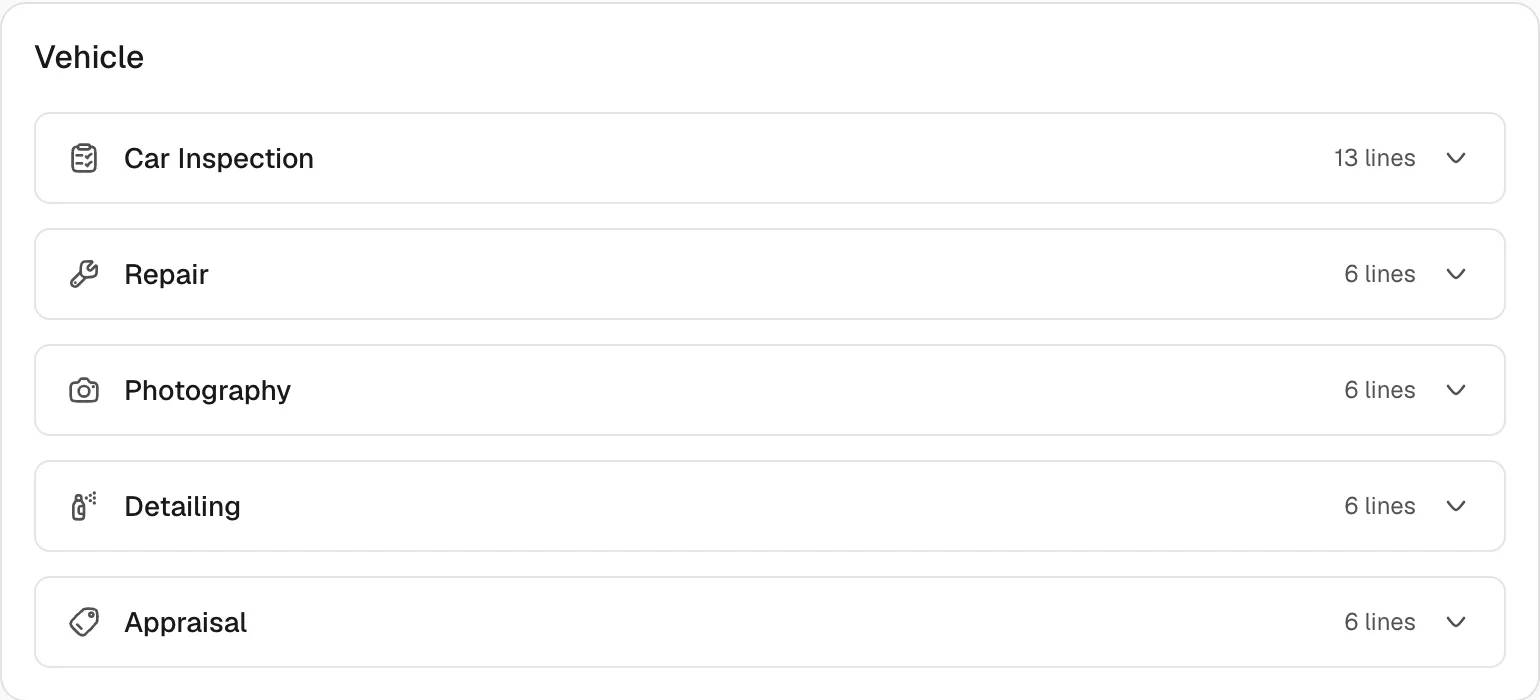
The page groups the task types in four cards.
| Group | Task types |
|---|---|
| Vehicle | Car Inspection, Repair, Photography, Detailing, Appraisal |
| Logistics | Pickup, Delivery, Transport, Port Drop-off, Customs clearance |
| Paperwork | Registration, Document Collection, Insurance |
| Sales | Viewing, Follow-up, Payment Collection, Other |
Each row shows the task type, the number of lines and, after a change, the badge Customized.
Edit a checklist
- Open Settings, then Task Checklists.
- Select the row of a task type. The editor opens.
- Change the text of a line. A line holds at most 200 characters.
- Select Add Line to add a line at the end. A checklist holds at most 100 lines.
- Use the arrow buttons on a line to move the line up or down. Use the cross button to remove the line.
- Select Save.
The toast The checklist has been updated. confirms the change. The row now carries the badge Customized.
Select Discard to return to the last saved list. Save and Discard stay disabled until the list changes. Blank lines are dropped when the list is saved.
An empty list is valid. The editor then shows the text "No lines. Tasks of this type start with an empty checklist."
Restore the built-in checklist
- Open the row of a customized task type.
- Select Restore Default.
The toast The default checklist has been restored. confirms the change. The button appears only while the task type is customized.
Where the checklist is used
The checklist of a task type fills the section Checklist in the form New Task. The form chooses the list from the selected task type. The section header shows the number of lines.
Notes
- A change affects future tasks only. Existing tasks keep their checklist.
- The section Checklist of a single task can be edited for that task alone. The text "Changes here apply to this task only." states this rule. Team members with the permission Edit Any Task also see the link Edit the list for every task.
- Saving replaces the whole list of the task type with the lines shown in the editor.